
 0
0
 0
0
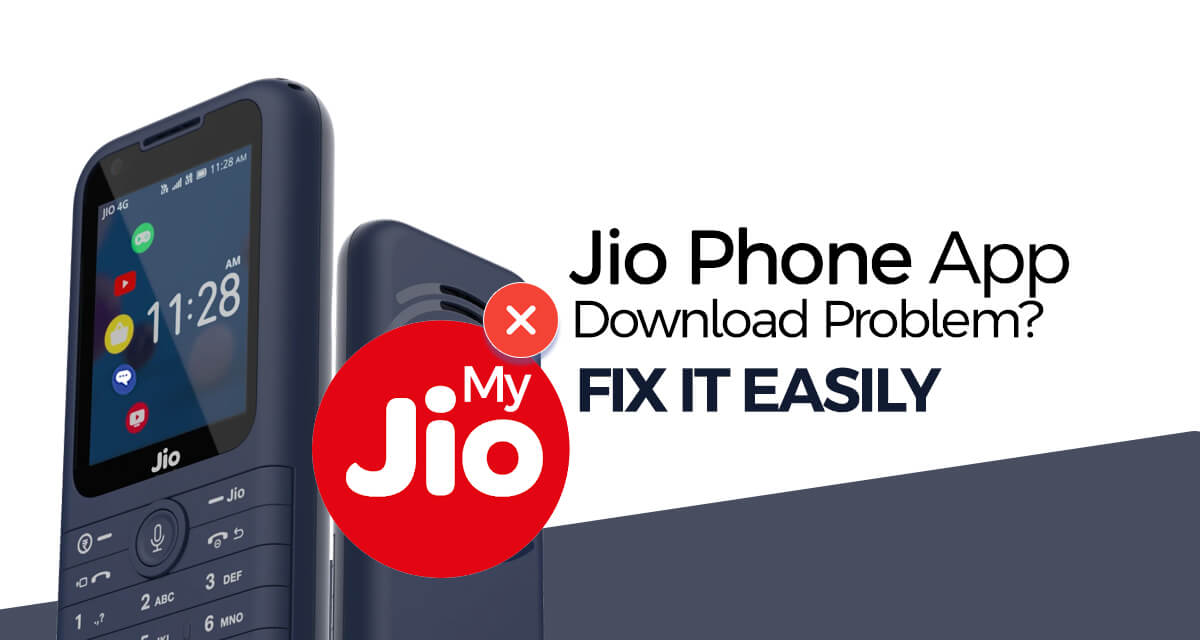
Many Jio phone users face problems while downloading apps from the Jio Store.
Sometimes apps don’t install, download gets stuck, or an error shows on screen.
If you are facing this issue, don’t worry. This guide will help you fix Jio phone app download problems step by step.
Quick Answer
Jio phone app download problem usually happens due to internet issues, low storage, or server errors.
Quick fix:
- Check internet connection
- Restart your phone
- Clear storage space
- Update Jio Store
- Try downloading again
These steps solve most download problems quickly.
Why Jio Phone App Not Downloading?
There are a few common reasons behind this issue:
- Slow or unstable internet
- Storage is full
- Jio Store not updated
- Server problem
- Phone software issue
Fix 1: Check Internet Connection
App download needs a stable internet connection.
👉 Make sure:
- Mobile data is ON
- Signal is strong
- Data plan is active
If internet is slow, download may fail or get stuck.
Fix 2: Restart Your Jio Phone
This is simple but very effective.
- Turn OFF your phone
- Wait 10–15 seconds
- Turn it ON again
👉 This removes small bugs.
Fix 3: Clear Storage Space
If your phone storage is full:
- Apps will not download
- Installation may fail
👉 Delete:
- Old photos
- Videos
- Unused apps
Fix 4: Update Jio Store
Old version of Jio Store can cause problems.
Steps:
- Open Jio Store
- Check for updates
- Install latest version
👉 Updated apps work better and fix bugs.
Fix 5: Check Software Update
Sometimes system issues cause download errors.
👉 Go to:
Settings → Device → Software Update
Install latest update if available.
Fix 6: Try Download Again Later
Sometimes problem is from server side.
👉 Wait for some time and try again.
⚠️ Common Errors in Jio Phone App Download
You may see:
- Download pending
- Installation failed
- App not supported
👉 These usually happen due to:
- Storage issue
- Network problem
- Unsupported app
Simple Explanation
In simple terms, Jio phone app download problem happens when your internet, storage, or system is not working properly.
FAQs
Why app is not downloading in Jio phone?
It may be due to slow internet or low storage.
How to fix download pending issue?
Restart phone and check internet connection.
Can I install all apps in Jio phone?
No, only supported apps are available in Jio Store.
Why installation failed?
It may happen due to storage or system issue.
Final Thoughts
Jio phone app download problem is very common, but easy to fix.
Start with:
- Internet check
- Restart
- Storage clean
These steps solve most issues quickly.