
 0
0
 0
0
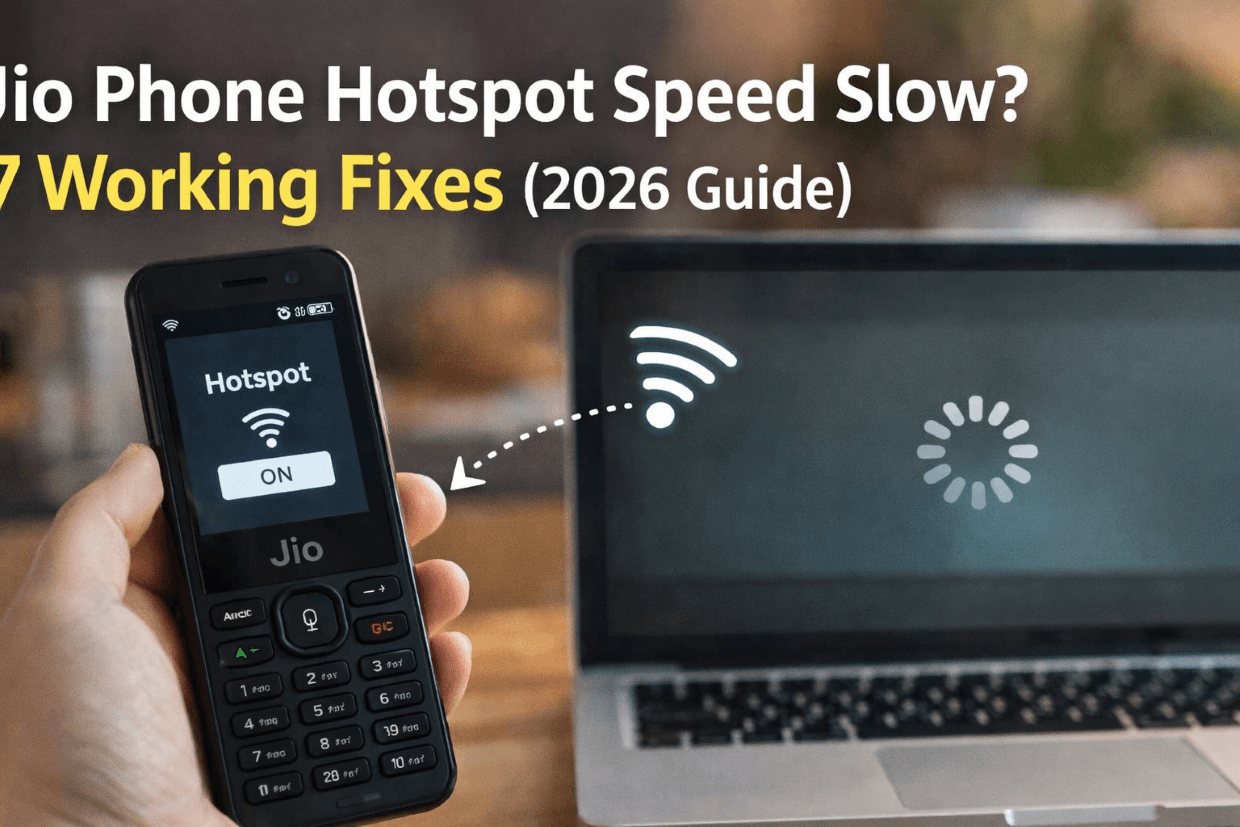
You turn on hotspot, connect your laptop… and then everything just crawls. Jio Phone Hotspot Speed Slow? Pages don’t load. YouTube buffers forever. Even WhatsApp Web struggles.
If this sounds familiar, you’re not alone. Many Jio Phone users face slow hotspot speed, especially when they need it the most.
The good part? In most cases, this isn’t a serious issue. You can fix it in a few minutes with the right steps.
Let’s go through it one by one.
Why Jio Phone Hotspot Becomes Slow
Before jumping into fixes, it helps to understand what’s going wrong.
Here are the most common reasons:
- Weak network signal in your area
- Daily data limit (FUP) reached
- Too many devices connected
- Background apps consuming data
- Incorrect APN settings
- Phone heating or lagging
Once you know the cause, fixing it becomes much easier.
Fix 1: Check Your Network Signal First
Let’s start with the simplest one.
Hotspot speed completely depends on your network strength. If your Jio signal is weak, your hotspot will be slow no matter what you do.
What you can do:
- Move near a window or open space
- Avoid using hotspot in closed rooms or basements
- Try a different spot in your house
Even shifting a few feet can make a noticeable difference.
Fix 2: Restart Your Jio Phone
This might sound basic, but it works more often than people expect.
Restarting clears temporary bugs and refreshes the network connection.
Steps:
- Switch off your Jio Phone
- Wait for 20–30 seconds
- Turn it back on
After restart, turn on hotspot again and check the speed.
Fix 3: Check Your Data Limit (FUP Issue)
Jio reduces your speed after you finish your daily high-speed data.
So even if your hotspot is working perfectly, speed will feel extremely slow.
What you can do:
- Check your data usage in MyJio app
- Wait for the next day reset
- Upgrade your data plan if needed
If your speed suddenly dropped, this is often the reason.
Fix 4: Disconnect Extra Devices
Hotspot is not designed to handle multiple devices smoothly on a Jio Phone.
If 3–4 devices are connected, speed gets divided.
Best practice:
- Keep only 1 or 2 devices connected
- Disconnect unused devices
You’ll notice an instant improvement.
Fix 5: Check and Reset APN Settings
Wrong APN settings can slow down your internet significantly.
Correct Jio APN Settings:
- Name: JioNet
- APN: jionet
Steps to fix:
- Go to Settings
- Open Network / Mobile Network
- Select Access Point Names (APN)
- Reset to default or manually enter above details
Save settings and restart your phone.
Fix 6: Avoid Overheating
Jio Phones can slow down when they heat up, especially during hotspot use.
Heat affects performance and network stability.
What you can do:
- Keep your phone in a cool place
- Avoid direct sunlight
- Don’t use hotspot while charging
Let the phone cool down before using hotspot again.
Fix 7: Stop Background Data Usage
Even if you’re not actively using apps, some processes may still consume data.
That reduces speed available for hotspot.
Tips:
- Close unused apps
- Turn off auto-updates
- Disable background data where possible
This helps your hotspot use full speed.
Extra Tips to Boost Jio Hotspot Speed
These small tricks can make a big difference:
- Use hotspot during night or early morning (less network congestion)
- Keep your phone fully charged
- Place phone at a higher position for better signal
- Avoid downloading large files while browsing
Read Also: Jio Phone Hotspot Not Working? Fix in 2 Minutes
FAQ: Jio Phone Hotspot Speed Slow
Why is my Jio hotspot so slow even with full signal?
Sometimes network congestion or data limit (FUP) reduces speed even if signal looks strong.
How can I increase hotspot speed in Jio Phone?
You can improve speed by:
- Limiting connected devices
- Resetting APN
- Using hotspot in better network areas
Does Jio reduce hotspot speed?
Jio doesn’t specifically limit hotspot, but speed drops after daily data usage limit is reached.
Can I use hotspot without speed drop?
Yes, if:
- You have active high-speed data
- Network is strong
- Only 1–2 devices are connected
Final Thoughts
Slow hotspot can be frustrating, especially when you rely on it for work or daily tasks. But in most cases, the fix is simple.
Start with:
- Checking signal
- Restarting your phone
- Limiting devices
Then move to settings like APN if needed. Try these steps one by one, and your hotspot speed should improve quickly.
If it still doesn’t, the issue may be network-related in your area.