
 0
0
 0
0
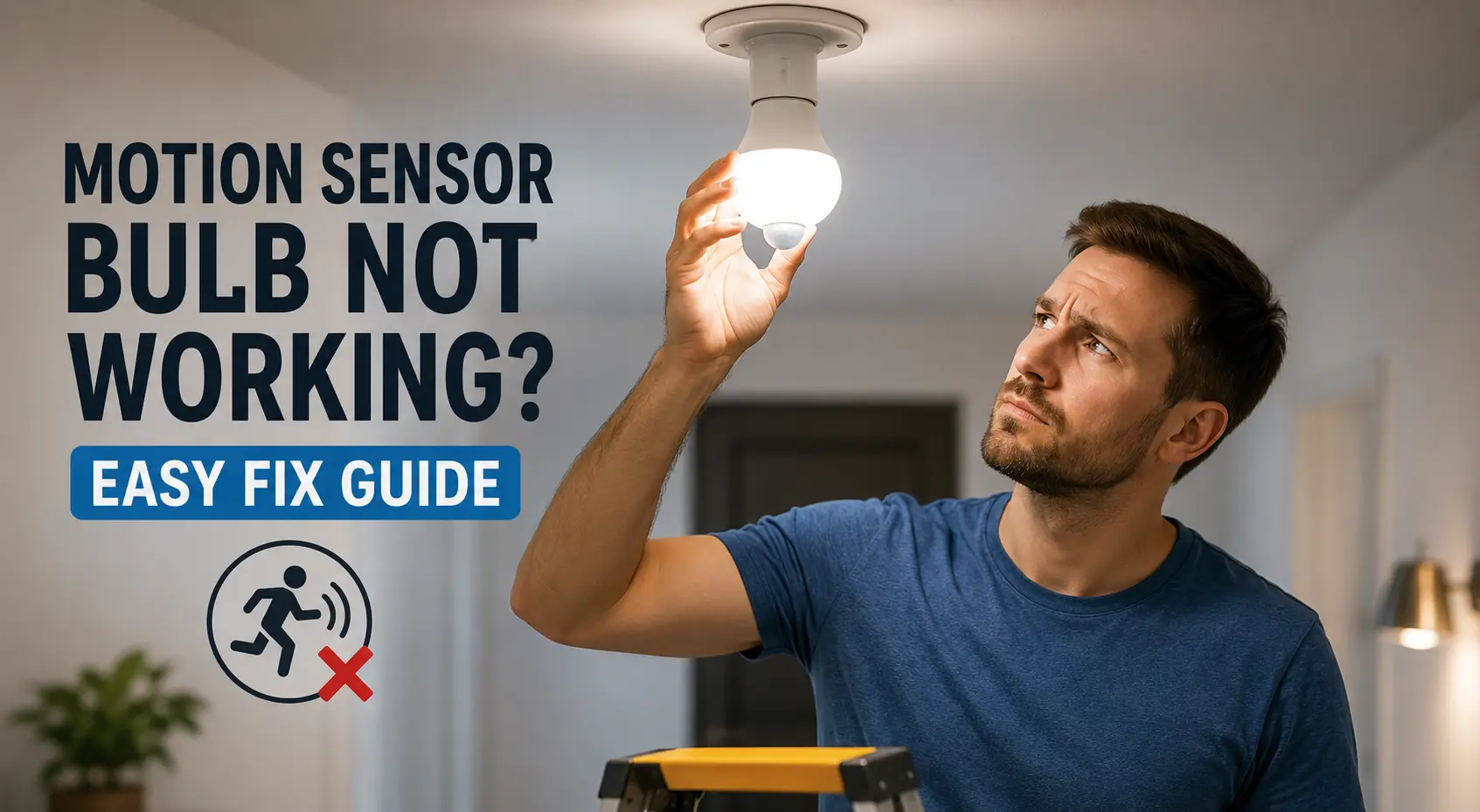
Most people install a motion sensor bulb expecting it to work instantly. Then the frustration starts. The light stays on all day, refuses to detect movement, or randomly flickers at 2 AM for no reason. Why motion Sensor Bulb Not Working?
A faulty motion sensor bulb can feel impossible to troubleshoot because the problem usually comes from small setup mistakes people never notice. Power fluctuations, wrong bulb placement, daylight settings, or even nearby heat sources can completely confuse the sensor.
This guide breaks down the easiest fixes that actually solve the problem without replacing the bulb unnecessarily.
Why Your Motion Sensor Bulb Is Not Working
Most motion sensor bulb issues come down to one thing: the sensor cannot properly detect movement or power flow.
A motion sensor bulb depends on three major components:
- Motion detection sensor
- Internal timer
- Stable electrical connection
Once one of these behaves strangely, the bulb starts acting unpredictably.
Check the Power Supply First
People often assume the bulb itself is defective when the actual issue is unstable power. Loose holders, damaged sockets, and fluctuating voltage can stop a motion sensor bulb from functioning correctly.
Real-World Example
One homeowner replaced three motion sensor bulbs before discovering the outdoor socket had moisture buildup inside. The sensor kept resetting because of inconsistent current flow.
Incorrect Installation Position Can Break Detection
Motion sensors rely heavily on placement angle. A badly positioned motion sensor bulb struggles to detect side movement and performs poorly in narrow hallways or staircases.
Best Placement Tips
- Install 6–10 feet above ground
- Avoid direct sunlight
- Keep away from AC vents
- Avoid facing reflective surfaces
- Position where people move across the sensor, not directly toward it
Why Side Movement Matters
Motion sensors detect lateral movement faster than straight-line movement.
That’s why a person walking across a driveway triggers detection better than someone walking directly toward the bulb.
Motion Sensor Bulb Stays On All The Time
This issue frustrates people more than anything else. Several factors can force a motion sensor bulb to stay active continuously.
Common Causes
- Sensor sensitivity set too high
- Nearby heat source
- Continuous motion nearby
- Incorrect daylight mode setting
- Electrical wiring issue
| Problem | Possible Cause | Fix |
|---|---|---|
| Bulb stays ON | High sensitivity | Lower sensitivity setting |
| False activation | Heat or sunlight | Relocate bulb |
| Random flicker | Voltage fluctuation | Check wiring |
Daylight Mode Settings Often Cause Confusion
Many modern motion sensor bulbs include a daylight sensor.
That means the bulb intentionally refuses to activate during bright conditions.
People think the bulb is broken when it’s actually working correctly.
Quick Fix
Test the bulb at night or inside a dark room first.
Some bulbs also include:
- DAY mode
- NIGHT mode
- AUTO mode
A wrong mode selection creates detection problems instantly.
Reset the Motion Sensor Bulb Properly
Many smart and motion sensor bulbs develop temporary software glitches.
A reset often fixes strange behavior immediately.
Standard Reset Method
- Turn the bulb ON for 5 seconds
- Turn it OFF for 2 seconds
- Repeat 3–5 times
- Wait for blinking confirmation
Different brands use slightly different reset methods, but power cycling works surprisingly well.
Pro Insight:
Cheap motion sensor bulbs usually have weak internal memory chips. Small power fluctuations can corrupt sensor settings over time.
Motion Sensor Bulb Flickering? Here’s the Real Reason
Flickering rarely comes from the LED itself. The sensor module usually causes the issue.
Major Flickering Causes
- Incompatible dimmer switch
- Loose wiring
- Voltage instability
- Moisture exposure
- Cheap internal driver circuit
Important Mistake Most People Ignore
Older dimmer switches and motion sensor bulbs rarely work well together. The sensor requires stable voltage. Dimmer circuits constantly alter power delivery, confusing the bulb electronics.
Now things start getting easier to diagnose.
Outdoor Motion Sensor Bulb Problems
Outdoor setups create additional sensor issues because environmental conditions constantly interfere with detection. Rain, insects, temperature changes, and direct sunlight can all affect sensor performance.
Outdoor Placement Mistakes
- Installing under direct afternoon sunlight
- Facing moving trees
- Positioning near hot walls
- Placing near exhaust vents
Mini Scenario
A garage motion sensor bulb kept activating every few minutes. The actual trigger turned out to be tree branches moving under sunlight reflection.
The bulb wasn’t defective at all.
Cheap Motion Sensor Bulbs Fail Faster
Not every motion sensor bulb is built properly.
Budget models often use:
- Low-quality PIR sensors
- Weak heat shielding
- Poor internal capacitors
- Inaccurate sensitivity calibration
That explains why some bulbs fail within months.
Decision Guide
| Feature | Cheap Motion Sensor Bulb | Premium Motion Sensor Bulb |
|---|---|---|
| Sensor Accuracy | Inconsistent | Reliable detection |
| False Triggers | Very common | Much lower |
| Lifespan | Short | Long-term use |
| Weather Resistance | Weak | Better sealing |
Read Also: How does a motion sensor light bulb work? Motion Sensor Lighting Guide
When You Should Replace the Motion Sensor Bulb
Some failures cannot be repaired.
Replacement makes more sense when:
- Sensor never activates
- Burn smell appears
- Water entered the bulb
- Detection range collapsed completely
- Bulb overheats constantly
Signs the Internal Sensor Is Dead
- Bulb works only as regular light
- No motion response after reset
- Delayed activation beyond 20–30 seconds
- Continuous flickering despite stable wiring
How To Make a Motion Sensor Bulb Last Longer
A few small habits dramatically improve reliability.
Smart Maintenance Tips
- Keep the sensor lens clean
- Avoid enclosed fixtures unless rated
- Protect from direct rain exposure
- Use stable voltage supply
- Avoid cheap extension adapters
Dust buildup alone reduces motion sensitivity more than most people expect.
A motion sensor bulb usually fails because of setup mistakes, environmental interference, or unstable electrical connections — not because the bulb is completely dead.
Most problems disappear after adjusting placement, resetting the bulb, or fixing power inconsistencies. The tricky part is identifying which small factor is confusing the sensor.
A little troubleshooting saves both money and unnecessary replacements.
Read Also: Solar Motion Sensor Lights vs Normal Lights: Which Saves More Electricity?
FAQ: Motion Sensor Bulb Not Working
Why is my motion sensor bulb not detecting movement?
Poor placement usually causes this issue. A motion sensor bulb works best when people move across the detection area instead of directly toward it.
Other common causes include:
- Dirty sensor lens
- Weak power supply
- High installation height
- Daylight mode enabled
- Sensor obstruction
A quick reset and proper positioning solve the problem most of the time.
Why does my motion sensor bulb stay on constantly?
Continuous activation often happens because the sensor detects heat or movement repeatedly.
Common triggers include:
- Moving curtains
- Ceiling fans
- Passing vehicles
- Pets
- Direct sunlight
- Hot air from AC vents
Lowering sensitivity settings usually helps immediately.
Can a motion sensor bulb work during daytime?
Yes, but only if the bulb supports daylight operation mode. Many models automatically disable motion detection during bright conditions to save electricity. That’s why people often assume the bulb is defective during daytime testing.
Check whether your bulb has:
- DAY mode
- NIGHT mode
- AUTO mode
Why is my motion sensor bulb flickering?
When our lights start flickering, it usually means the power in our home is acting up. Those little jumps in the electricity mess with the smart tech inside, which makes the bulbs go crazy and can even break them sooner than we’d like.
The most common reasons include:
✓ Loose socket connection
✓ Incompatible dimmer switch
✓ Voltage fluctuation
✓ Moisture inside fixture
✓ Cheap internal driver circuit
Older home wiring also creates sensor instability in some cases.
How long does a motion sensor bulb last?
A quality motion sensor bulb generally lasts:
- 15,000 to 30,000 hours for premium models
- 5,000 to 10,000 hours for cheaper models
Outdoor exposure, humidity, and unstable voltage reduce lifespan significantly.
Can rain damage a motion sensor bulb?
Water is one of the biggest reasons our outdoor sensors stop working.
When we put an indoor bulb outside, we’re asking for trouble. The moisture slowly creeps in and ruins the sensor and the tiny parts inside.
I always look for weather-resistant or IP-rated bulbs when we’re setting things up outdoors to make sure they actually last.
Why does my motion sensor bulb turn on randomly?
False triggers happen when the sensor detects sudden temperature changes or movement nearby.
Random activation often comes from:
- Tree shadows
- Passing cars
- Pets
- Heat reflection
- Insects near the sensor
- Reflective surfaces
Relocating the bulb usually fixes this issue faster than replacing it.
Do motion sensor bulbs work with dimmer switches?
Most motion sensor bulbs do not work properly with traditional dimmer switches.
The dimmer interrupts stable power flow, which confuses the sensor electronics. That often causes:
- Flickering
- Delayed activation
- Random shutoffs
- Constant ON state
A standard non-dimming switch works much better.
How do I reset a motion sensor bulb?
Most models reset through rapid power cycling.
Typical reset process:
- Turn the bulb ON for 5 seconds
- Turn it OFF for 2 seconds
- Repeat several times
- Wait for blinking confirmation
Some brands use different reset patterns, so checking the manual helps.
Is a motion sensor bulb worth buying in 2026?
Yes, especially for:
- Hallways
- Garages
- Staircases
- Outdoor entrances
- Storage rooms
Modern motion sensor bulbs save electricity and improve convenience when installed correctly. Cheap models still drive us crazy with false alarms. I always look for a good sensor over how bright the bulb gets, or we’ll just end up staring at a blinking light for no reason.