
 0
 0
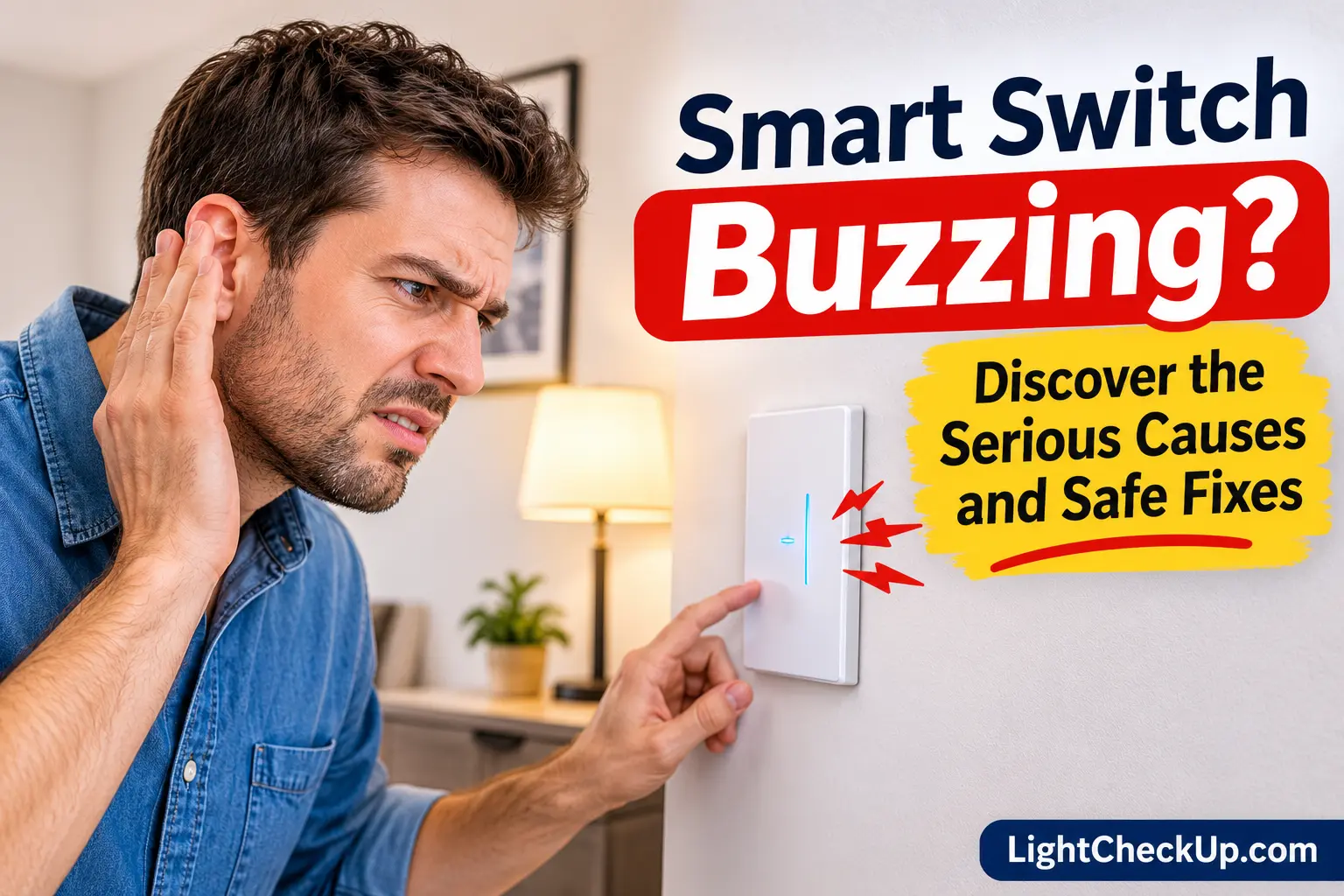
You turn on your smart lights and notice a strange buzzing sound coming from the wall switch. It may be a soft hum that you can hear only when the room is quiet. Is Your Smart Switch Buzzing? In other cases, the noise may become louder when you dim the lights or control them through an app.
If your smart switch is buzzing, do not assume that it is normal. The sound may come from the switch’s electronics, an incompatible LED bulb, or a problem with the electrical connection. Some causes are minor, but buzzing from a wall switch can also be a warning sign.
The first step is to find out where the sound is coming from and whether it is a faint hum or a more serious noise.
Quick Answer: Why Is Your Smart Switch Buzzing?
A smart switch may make a buzzing or humming sound because of:
- An incompatible LED bulb or dimmer
- A low or unsuitable lighting load
- Electrical noise from the switch’s internal components
- A problem with the connected light or LED driver
- A loose or damaged electrical connection
- An overloaded or faulty switch
A very faint hum from some electronic dimmers may be normal. However, crackling, sizzling, unusual heat or a burning smell should never be ignored.
If you notice heat, a burning smell, sparks, crackling or black marks, stop using the switch. Turn off the circuit at the breaker if you can do so safely, and contact a qualified electrician. Do not remove the switch cover or try to tighten wires yourself.
1. Check Whether the Sound Comes From the Switch or the Bulb
Before changing any settings, try to identify the source of the noise.
Stand near the wall switch and listen carefully. Then listen near the light fixture while the light is on. Do not touch or open either device.
You may notice one of these patterns:
| What you hear | Possible reason |
|---|---|
| Soft hum from the wall switch | Electronic dimmer or switch components |
| Buzz from the bulb or fixture | LED driver or bulb electronics |
| Buzz becomes louder when dimmed | Dimmer and LED compatibility |
| Crackling or sizzling from the switch | Possible electrical fault |
| Noise with heat or burning smell | Stop using it and seek urgent electrical help |
The sound may travel through the wall, so it is not always easy to identify the exact source. If you are unsure, let an electrician inspect it.
2. Check Whether Your LED Bulb Is Compatible
One common reason for a smart dimmer making noise is a mismatch between the dimmer and the LED bulb.
Not every LED bulb is designed to work with every dimmer. A bulb may turn on normally but still produce a hum, flicker or uneven brightness when dimmed.
Check the following:
- Read the bulb packaging or product information.
- Confirm that the bulb is marked as dimmable if you are using a dimmer.
- Check the switch manufacturer’s compatibility list.
- Confirm that the bulb type and wattage are supported by your switch.
- If you are unsure, ask the bulb or switch manufacturer for a compatible model.
Do not assume that every smart bulb is suitable for a wall dimmer. Most app-controlled smart bulbs need a steady power supply and should not be connected to a traditional dimmer unless the manufacturer specifically allows it.
If your light is also flickering, read our guide to Smart Bulb Troubleshooting for help identifying bulb, fixture and connection problems.
For more technical information, VARILIGHT’s dimmer FAQs explain why LED compatibility and the type of dimmer can affect buzzing.
3. Check the Dimmer’s Minimum and Maximum Load
Some dimmers are designed to work only within a certain lighting load.
For example, a dimmer may need a minimum load to operate correctly. If the connected LED lights use less power than the dimmer requires, you may notice buzzing, flickering or poor dimming.
The opposite can also happen. Connecting more lights than the switch supports may overload it.
Check the switch’s product label or manual for:
- Minimum supported load
- Maximum supported load
- Supported LED types
- Dimming method
- Any required LED driver or accessory
Do not add extra bulbs just to increase the load without checking the manufacturer’s instructions.
Niko’s explanation of dimmer lamp wattage explains why a lighting load below or above the permitted range can cause problems.
4. Check Whether the Buzzing Changes With Brightness
Does the sound become louder when you lower the brightness?
If yes, the dimmer and the connected LED lighting may not be working well together.
Some dimmers use electronic methods to control the power supplied to a light. The LED driver inside the bulb or fixture may react poorly to that control method, which can create an audible hum.
You can safely observe whether the sound changes at different brightness levels using the normal app or switch controls.
If the buzzing happens only at certain brightness levels, check the manufacturer’s guidance for dimmer compatibility and supported settings.
Do not open the switch or change its wiring to test this.
5. Check the Smart Switch’s Firmware and App Settings
A smart switch may have firmware settings that affect how it controls connected lights.
Open the manufacturer’s app and check whether an update is available. Also review the switch’s dimming settings if your model supports them.
Depending on the product, you may find options such as:
- Minimum brightness
- Maximum brightness
- Dimming mode
- LED load type
- Calibration
- Soft-start settings
These options are not available on every smart switch. Follow the instructions for your exact model rather than changing settings that you do not understand.
If the noise started immediately after a firmware update, note the switch model and software version before contacting the manufacturer.
6. Check Whether the Switch Is Overheating
A smart switch contains electronic parts that may produce some warmth during normal use. However, it should not become unusually hot.
Pay attention to these warning signs:
- The switch feels much hotter than usual.
- The buzzing is getting louder.
- The wall plate has changed colour.
- You notice a burning or plastic smell.
- The switch makes crackling or popping sounds.
- The lights flicker along with the noise.
If any of these signs appear, stop using the switch. Turn off the circuit at the breaker if it is safe to do so, and contact a qualified electrician.
Do not continue testing the switch or leave it operating to see whether the noise goes away.
7. Check Whether the Noise Started After a New Installation
If your smart switch started buzzing soon after installation, the switch may not be suitable for the connected lighting setup.
Possible reasons include:
- The switch does not support the LED load.
- The connected bulbs are not dimmable.
- The switch requires a neutral wire but the installation does not provide one.
- The lighting circuit is outside the switch’s rated limits.
- The installation has a wiring or connection problem.
The correct wiring requirements depend on the exact switch model and the electrical system in your home.
Do not open the wall box or try to move wires yourself. Ask a qualified electrician to check the installation against the manufacturer’s wiring diagram.
If you are unsure whether your switch is suitable for your wiring, read our Smart Switch Troubleshooting Guide before making any changes.
Contact the Manufacturer or an Electrician
If the smart switch continues to buzz after you have checked the product information and app settings, do not keep experimenting.
Contact the manufacturer if:
- The switch is new and has made noise from the first day.
- The sound started after a firmware update.
- The manufacturer lists the bulb as compatible but the noise continues.
- The switch shows an error or behaves differently from the manual.
Contact a qualified electrician if:
- A normal on/off switch is buzzing.
- The switch is unusually hot.
- You hear crackling or sizzling.
- There is a burning smell or visible damage.
- The noise appears to come from inside the wall.
A professional can check the electrical connection, switch rating and lighting load safely.
When Is Smart Switch Buzzing Dangerous?
Not every faint hum means that the switch is about to fail. Some electronic dimmers can produce a small amount of noise during normal operation.
The important difference is the type of sound and whether other warning signs are present.
| Sound or symptom | What to do |
|---|---|
| Very faint hum from a dimmer | Check the manufacturer’s guidance and bulb compatibility |
| Buzz that changes with brightness | Check dimmer and LED compatibility |
| Buzz from a standard on/off switch | Stop using it and arrange an inspection |
| Crackling, sizzling or sparks | Turn off the circuit if safe and seek urgent electrical help |
| Burning smell, heat or scorch marks | Stop using it and contact an electrician urgently |
Never ignore a burning smell, sparks or signs of overheating.
FAQ: Smart Switch Buzzing
Why is my smart switch making a buzzing noise?
A smart switch may buzz because of its internal electronics, an incompatible LED bulb, an unsuitable lighting load or an electrical fault. First identify whether the sound comes from the switch or the light fixture.
Is a buzzing smart dimmer dangerous?
A faint hum from some electronic dimmers may be normal. Loud or increasing noise, heat, crackling, sparks or a burning smell are warning signs. Stop using the switch and have it checked.
Can LED bulbs make a smart switch buzz?
Yes. Some LED bulbs and dimmers do not work well together. Check that the bulb is dimmable and listed as compatible with your exact dimmer model.
Why does my smart switch buzz only when I dim the lights?
The dimmer may not be compatible with the LED bulb or its driver. The sound can change at different brightness levels because the dimmer controls the power supplied to the light.
Can a smart switch buzz because it has no neutral wire?
Not necessarily. Some smart switches are designed to work without a neutral wire, while others require one. The wiring design alone does not prove the cause of buzzing. Check the manufacturer’s requirements and have an electrician inspect any suspected wiring problem.
Should I replace a smart switch that keeps buzzing?
Not immediately. First identify the source of the sound and check bulb compatibility, load limits and manufacturer guidance. If the switch is hot, crackling or smells burnt, stop using it and seek professional help rather than continuing to test it.
Final Thoughts
If your smart switch is buzzing, the cause may be a dimmer and LED mismatch, an unsuitable load or a problem inside the switch. A faint hum from some dimmers can be normal, but persistent or unusual buzzing should be investigated.
Start with the bulb and switch specifications. Check the settings through the normal app, and avoid opening the switch or touching its wiring.
If you notice heat, crackling, sparks or a burning smell, stop using the switch and call a qualified electrician. Finding the cause early is safer than continuing to use a switch that may have an electrical fault.