
 0
0
 0
0
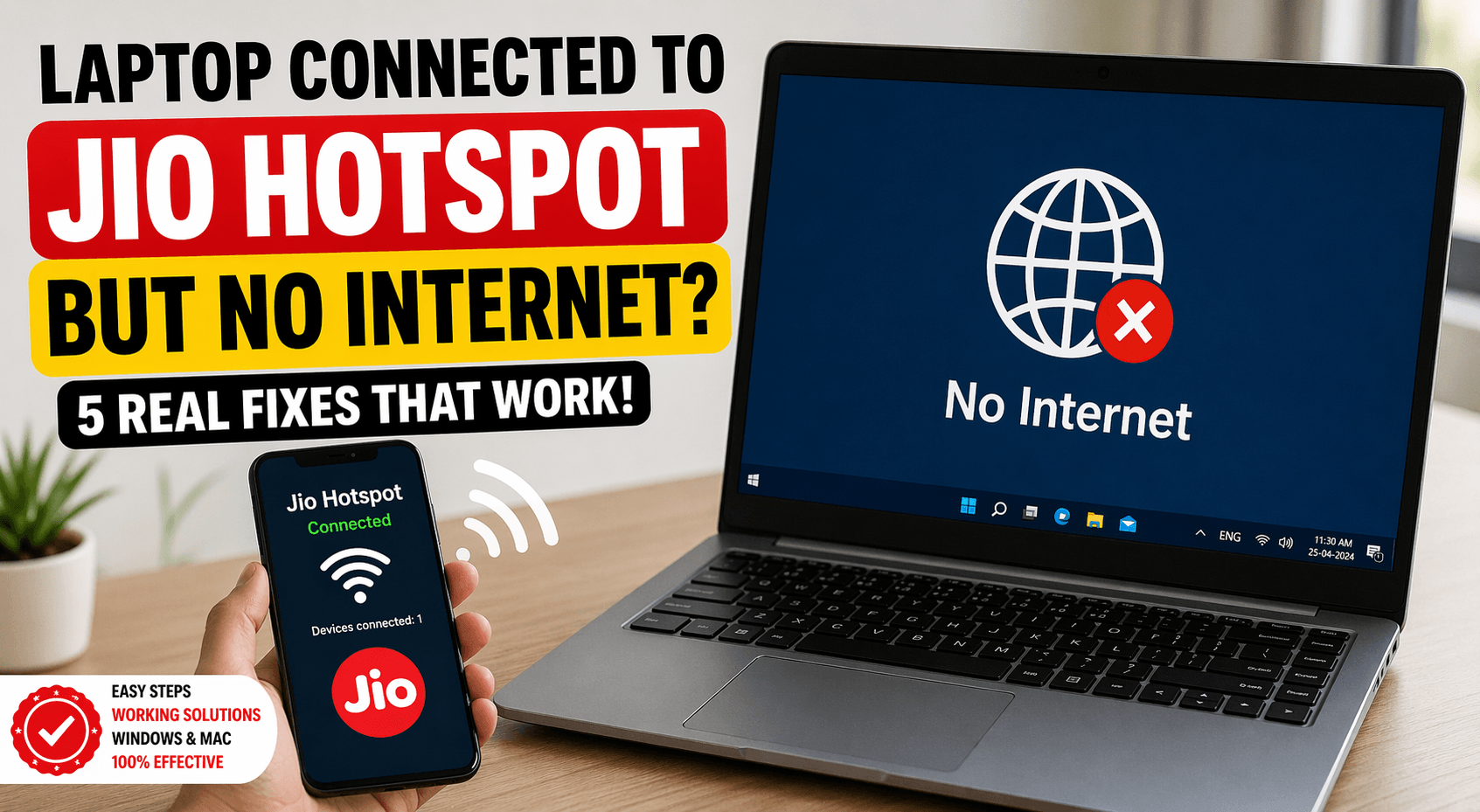
You connect your laptop to your Jio hotspot. Everything looks fine. Full signal. No warnings.
But… no internet. Frustrating, right? Why Laptop Connected to Jio Hotspot But No Internet?
This is one of the most common issues users face with mobile hotspots—especially with Jio. You’re not alone. And the good news? It’s usually easy to fix.
In this guide, you’ll learn:
- Why this issue happens
- 5 real, working solutions
- Step-by-step fixes (no tech skills needed)
Let’s solve it.
Why Your Laptop Shows Connected But No Internet
Before jumping into fixes, understand this:
Your laptop connecting to a hotspot doesn’t guarantee internet access.
Here’s what might be going wrong:
- Weak mobile data signal
- Jio network restrictions
- Incorrect network settings
- DNS or IP conflicts
- Device-level glitches
Now let’s fix it.
✅ Fix 1: Toggle Airplane Mode (The Quick Reset Trick)
This sounds simple—but it works surprisingly often.
Why it works:
It resets network connections on your phone and clears temporary glitches.
Steps:
- Turn ON Airplane Mode on your phone
- Wait 30 seconds
- Turn it OFF
- Reconnect hotspot
- Connect your laptop again
👉 Try browsing now.
If it still doesn’t work, move on.
✅ Fix 2: Check Jio Data & Network Speed
Sometimes the problem isn’t your laptop—it’s your internet.
What to check:
- Is your data pack active?
- Is your daily limit exhausted?
- Is network coverage weak?
Quick test:
Open a website on your phone (without hotspot).
- If it doesn’t load → network issue
- If it works → hotspot issue
Bonus Tip:
Switch between:
- 5G / 4G / LTE modes
Some laptops struggle with certain bands.
✅ Fix 3: Reset Network Settings on Laptop
This is one of the most effective fixes.
On Windows:
- Go to Settings
- Click Network & Internet
- Select Advanced Network Settings
- Click Network Reset
- Restart your laptop
What this does:
- Clears saved WiFi networks
- Fixes IP conflicts
- Resets adapters
⚠️ You’ll need to reconnect WiFi passwords after this.
✅ Fix 4: Change DNS Settings (Power Fix)
Sometimes your laptop connects—but can’t resolve websites.
That’s a DNS issue.
Fix it manually:
Steps (Windows):
- Open Control Panel
- Go to Network & Sharing Center
- Click Change adapter settings
- Right-click WiFi → Properties
- Select Internet Protocol Version 4 (IPv4)
- Click Properties
Now enter:
- Preferred DNS: 8.8.8.8
- Alternate DNS: 8.8.4.4
Click OK → Reconnect WiFi.
Why it works:
Google DNS is faster and more reliable than default network DNS.
✅ Fix 5: Restart Hotspot Properly (Most Overlooked Fix)
Most people just turn hotspot OFF and ON.
That’s not enough.
Do this instead:
- Turn OFF hotspot
- Turn OFF mobile data
- Restart your phone
- Turn ON mobile data
- Enable hotspot
- Reconnect laptop
This clears deeper system issues.
Quick Troubleshooting Checklist:
Use this before panicking:
- Mobile data is active
- Daily data not exhausted
- Airplane mode toggled
- Laptop network reset done
- DNS changed
- Phone restarted properly
- Signal strength is good
Comparison Table: Quick Fix Effectiveness
| Airplane Mode Toggle | Easy | 1 min | Medium |
| Check Data & Network | Easy | 2 min | High |
| Network Reset (Laptop) | Medium | 5 min | Very High |
| Change DNS | Medium | 5 min | High |
| Full Restart (Phone) | Easy | 3 min | Very High |
Advanced Fixes (If Nothing Works)
If you’re still stuck, try these:
1. Update Network Drivers
Outdated drivers can block internet access.
- Go to Device Manager
- Update WiFi adapter
2. Forget & Reconnect Network
- Go to WiFi settings
- Forget Jio hotspot
- Reconnect from scratch
3. Disable VPN
VPNs can block hotspot internet.
Turn them OFF and test again.
4. Check Firewall / Antivirus
Sometimes security software blocks connections. Temporarily disable and test.
Common Mistakes to Avoid
- Connecting multiple devices to hotspot (causes bandwidth issues)
- Using low battery mode on phone
- Keeping hotspot ON for long hours without restart
- Ignoring software updates
Read Also: Why hotspot speed is slow on Jio? The Ultimate 2-Minute Speed Hack!
FAQs: Laptop Connected to Jio Hotspot But No Internet
1. Why is my laptop connected to Jio hotspot but no internet?
This usually happens due to DNS issues, weak network signal, or IP conflicts. Resetting network settings or changing DNS often fixes it.
2. Does Jio block hotspot usage?
No, Jio allows hotspot usage. But speed may reduce depending on network load or data limits.
3. Why does internet work on phone but not on laptop?
Your phone may have correct DNS/IP settings, while your laptop doesn’t. Changing DNS or resetting network usually solves this.
4. How do I fix hotspot connected but no internet on Windows 11?
Use these steps:
- Network reset
- Change DNS
- Restart hotspot
These fix most issues quickly.
5. Can too many devices cause this problem?
Yes. If multiple devices are connected, bandwidth gets divided, causing slow or no internet.
Final Thoughts
This issue is annoying—but not complicated. In most cases, one of these fixes will solve it within minutes.
If you want the fastest solution:
👉 Start with Network Reset + DNS change
That combo works in 80% of cases. If the problem still continues, it might be a network outage or SIM issue—in that case, contact Jio support.